A Personalized Party Invitation Video Can Start the Party Before the Doorbell
Plan a personalized invitation video with a simple script, clear party details, readable text, RSVP wording, and checks before sharing it with guests.
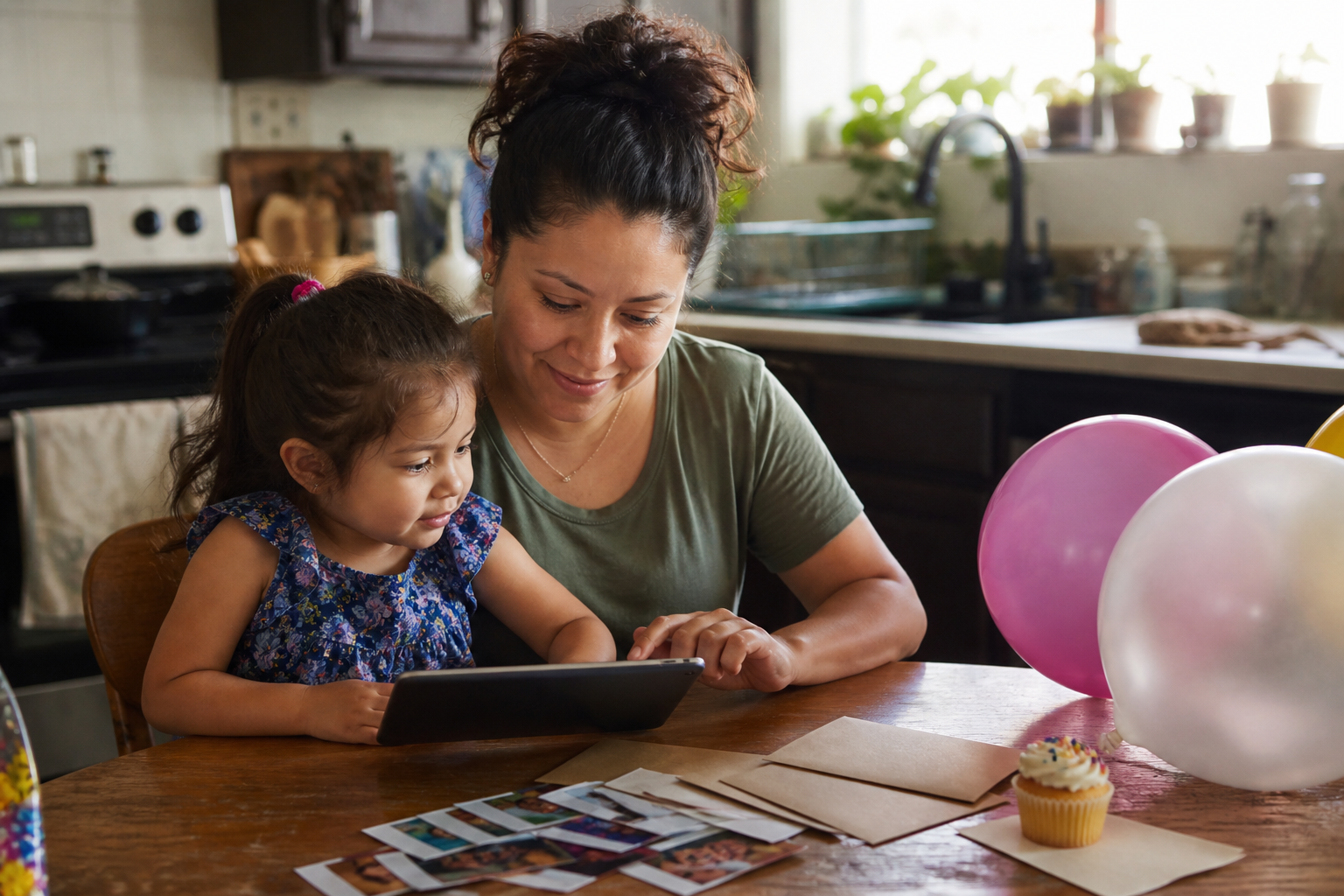
A personalized party invitation video should do two jobs quickly: make guests feel the mood of the celebration and give them the details they need to respond. Start with the guest of honor, add the date, time, location, and RSVP information in a clear order, then close with one warm invitation to join the day. A strong video feels festive, but it never makes viewers hunt for the address or pause every frame to find the time.
You can record a simple invitation yourself or choose a prepared animated design. In either case, the planning is similar: decide what guests must know, choose a style that fits the event, and review every detail before the video is sent.
Choose the job of the invitation first
Before choosing music, colors, or a theme, decide what the video needs to accomplish. Is it the main invitation, a cheerful save-the-date, or a visual extra that will accompany a written message?
- Main invitation: include every practical detail inside the video and repeat them in the message that accompanies it.
- Save-the-date: focus on the person, occasion, and date, with a clear note that more information will follow.
- Invitation add-on: let the video carry the personality while the email or message holds the full logistics.
For a child’s birthday, the birthday video invitation collection includes standard animated invitations and listings marked TALKS. Exact personalization differs between products. Check the preview and form on the individual listing instead of assuming that every design offers the same spoken lines, photo option, or editable wording.
Gather the details before you start
Put the final information in one note so you are not copying from several group chats. Prepare:
- the guest of honor’s name and age, when relevant;
- the occasion;
- the full date and day of the week;
- the start time and an end time if guests need it;
- the venue name and address;
- the RSVP contact and deadline;
- one short arrival, clothing, parking, food, or gift note only if guests genuinely need it.
Use the way the child’s name should appear, not an informal spelling copied by accident. If a listing requests pronunciation guidance, make it simple and phonetic. Ask another adult to check every number—especially the date, time, house number, and contact details.
Use a simple invitation structure
Guests should understand the invitation on the first watch. A four-part sequence is enough.
1. Open with the person and the occasion
Make the first line immediately useful: “Ava is turning six,” “Join us for Leo’s birthday,” or “You’re invited to our family celebration.” If you are recording your own clip, a wave or one natural sentence from the child can add warmth without asking them to perform a long script.
2. Show the essential details
Present the date, time, and place together in large, readable text. Keep the background calm enough that letters and numbers do not disappear into the design. Leave the information on screen long enough to read at a normal pace.
3. Add one personal detail
Personal does not have to mean complicated. Use a favorite color, a theme the child genuinely enjoys, a short photo moment when the selected format supports it, or one line that sounds like the family. The supporting guide to a birthday invitation video explains why a small, natural moment can carry more feeling than a polished performance.
4. Close with the RSVP
End with one clear action: “Please reply to Jordan by May 10” or “RSVP using the contact in this message.” Avoid placing several different response methods on the final screen unless all of them are actively monitored.
A short script you can adapt
“You’re invited to celebrate Maya’s seventh birthday! Join us on Saturday, June 12, at 2 p.m. at [venue]. We’ll have [brief useful detail]. Please RSVP to [contact] by 2026. We would love to celebrate with you.”
Replace every bracketed item and remove any line guests do not need. For a casual child-recorded opening, try: “Hi! I’m having a birthday party, and I hope you can come.” Let the practical details appear immediately afterward instead of asking the child to memorize an address and RSVP deadline.
Choose between a family-made video and a prepared design
A family-made invitation is useful when you want the child’s real voice or a very specific tone. A prepared animated design can be a better fit when you want a themed presentation and a structured order form. Neither format is automatically more personal; the right choice depends on the material you have and the time you want to spend assembling it.
When comparing prepared designs, watch the full preview and read the product form before ordering. On BeAmazedVideo, some birthday invitations are standard animated designs, while products marked TALKS add spoken personalization. The birthday category explains that the sampled talking format uses English voice lines and speaks the child’s name and age; the exact product page remains the source of truth for what can be changed.
If you are unsure which details or options apply, review the personalized video order FAQ before submitting information.
Make the invitation easy to receive and use
A beautiful invitation can still fail if guests cannot find the details later. Send the video with a short written summary that repeats the date, time, venue, and RSVP contact. That gives people a searchable reference without taking anything away from the video.
- Send the file or link through a channel guests already use.
- Test it on a phone before sending it to the full list.
- Do not post a home address, phone number, or child’s schedule on a public social feed.
- For private parties, send invitations directly rather than relying on a public post.
- Keep a guest list so follow-up messages go only to the right people.
- Send one calm reminder near the RSVP deadline instead of repeating the full invitation several times.
Final invitation checklist
- The name and age are correct.
- The day of the week matches the calendar date.
- The time includes a.m. or p.m. where needed.
- The venue name and address are complete.
- The RSVP contact and deadline are current.
- Text is readable on a phone without pausing.
- The written message repeats the essential details.
- No private information appears in a public post.
- The finished video has been watched from beginning to end.
After the celebration, the same simple story thinking can help you make a party recap video from the strongest reactions, greetings, and unplanned moments.
Frequently asked questions
What should a party invitation video include?
Include the guest of honor, occasion, date, time, location, RSVP contact, and RSVP deadline. Add only the extra information guests need, such as an arrival note or clothing guidance.
How long should a personalized invitation video be?
It should be long enough for every important detail to be read comfortably and short enough to stay focused. Judge the final cut by clarity rather than a fixed duration: if a section repeats the same idea, trim it.
Should I put the address inside the video?
Include it if the video is being sent privately as the main invitation. Repeat it in the accompanying message so guests can find it easily. Do not share a home address in a public post.
Can every personalized video include a spoken name or child’s photo?
No. Options vary by listing. Some products offer spoken personalization or an optional photo, while others use a different format. Read the individual product form and watch its preview before ordering.
Ready to create your own magical video?
Explore our personalized invitations and surprise videos made for unforgettable moments.
Shop videos