How to Make a Party Recap Video Everyone Will Rewatch
Turn party photos and phone clips into a short recap with a five-part story plan, editing tips, caption ideas, and a sharing checklist.
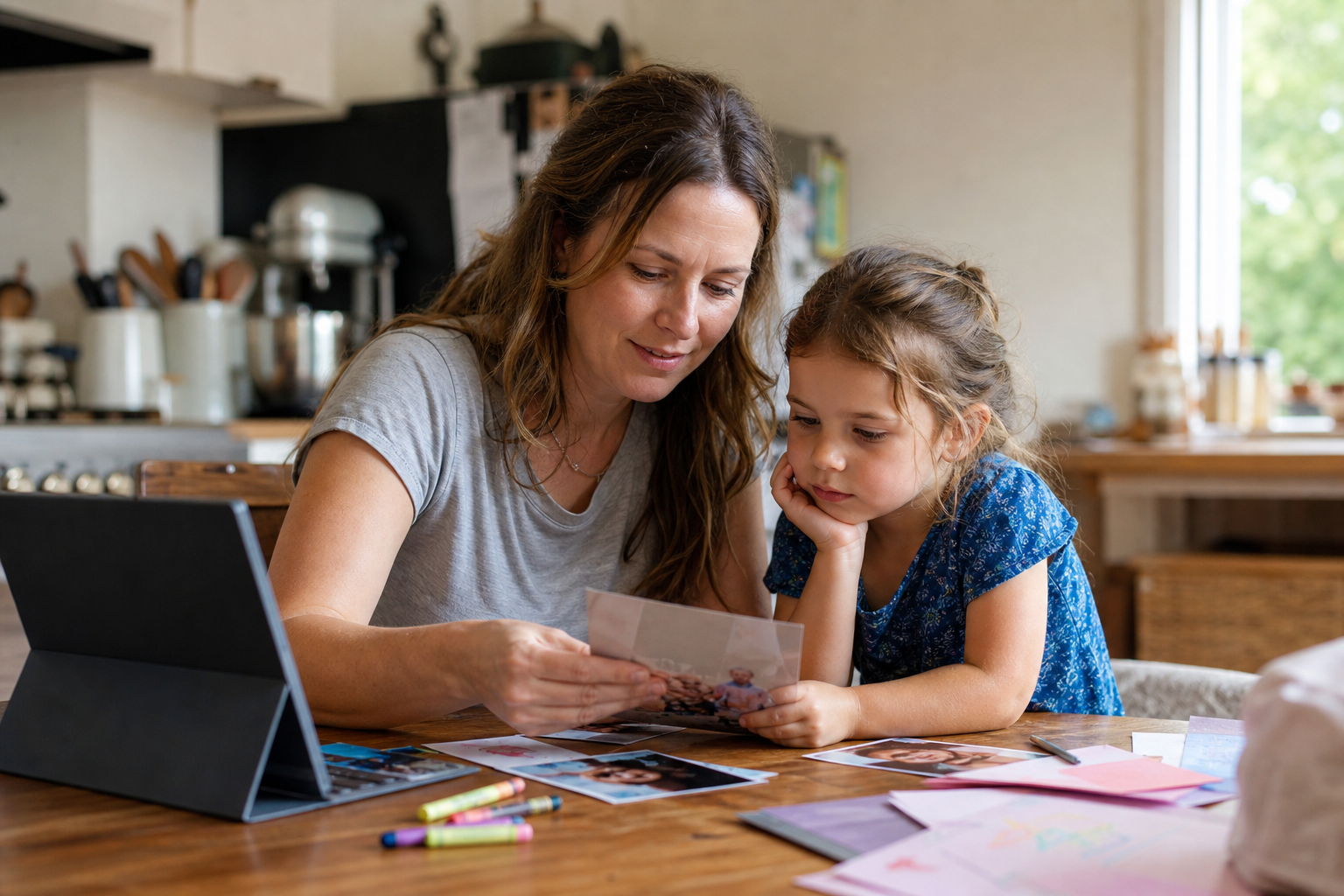
A good party recap video is a short story, not a record of every minute. Choose one clear feeling, gather the strongest clips, arrange them in a beginning-middle-end sequence, and trim anything that repeats. For most family celebrations, a two- to four-minute edit is enough to show the anticipation, the people, the big moment, and the beautifully unplanned bits.
Start with the story you want to keep
Before opening an editing app, finish this sentence:
“When we watch this next year, I want us to remember ______.”
Your answer might be “how excited she was to see everyone,” “the first birthday our whole family could attend,” or simply “how joyful and chaotic the afternoon felt.” That sentence becomes your filter. A technically perfect clip that does not support the feeling can go; a wobbly five-second laugh may deserve to stay.
Then choose a format:
- Mini highlight reel: 60–90 seconds of energetic moments.
- Family recap: two to four minutes with room for reactions and natural sound.
- Message-led keepsake: guest greetings woven between party scenes.
If the event has not happened yet, send guests a clear invitation so fewer details get lost in group chats. A personalized party invitation video can set the tone before the day; the recap can echo the same theme afterward.
Use a five-part party recap structure
You do not need a complicated storyboard. This five-part sequence works for birthdays, showers, graduations, reunions, and small backyard celebrations.
1. Open with anticipation
Use two or three establishing shots: the door sign, balloons moving in the breeze, food being placed on the table, or the guest of honor waiting. A simple opening caption can orient the viewer:
- “Maya turns six”
- “A sunny Saturday with our favorite people”
- “One little party, a lot of happy noise”
2. Introduce the people
Show arrivals, hugs, and the first moments of play. Faces usually carry more feeling than decor, so let people appear early.
3. Build the energy
This is the lively middle: games, dancing, conversations, food, and reactions. Vary the shots so the video does not feel like one long pan across a room.
4. Let the main moment breathe
The cake, announcement, toast, or surprise deserves a little more time. Keep a few seconds of natural sound; an off-camera cheer or child’s comment often gives the scene its warmth.
5. End with a gentle button
Finish on a goodbye hug, a tired smile, the last balloon, or a group wave. A closing line can be as simple as:
- “That was a very good day.”
- “Thank you for celebrating with us.”
- “The party ended. The story stays.”
Sort your footage without turning it into homework
Create one folder for the party, with subfolders called Before, People, Activities, Main Moment, and Ending. Copy favorites into them; do not rate every image.
Use this first-pass checklist:
- Keep clips with a clear expression, action, or sound.
- Remove accidental floor footage and near-identical duplicates.
- Mark vertical and horizontal clips so you can plan the frame.
- Ask relatives for their best three clips, not their entire camera roll.
- Save the original files before editing or compressing anything.
If guests are contributing, give them a deadline and a naming pattern such as GuestName_Moment.
Edit for feeling, clarity, and pace
Begin with the full sequence, then shorten it. Most clips only need two to five seconds, while a toast or child’s reaction may need longer. Remove repeated angles and any section where nothing changes.
Music can help the edit move, but lower it under greetings, laughter, singing, or a meaningful sentence. Use only music you have permission to include, especially for a public post.
Keep transitions simple. Captions should be one or two high-contrast lines, with enough screen time for a relaxed read.
For a message-led ending, ask one question and keep each answer brief. Try:
- “What do you love most about celebrating with Sam?”
- “What is one wish for the year ahead?”
- “Describe today in three words.”
For a child’s birthday, you can also browse birthday greeting videos when you want a separate surprise message alongside your family-made recap.
Party recap video checklist
Before you export, check that:
- The first ten seconds tell viewers whose celebration this is.
- Important people appear, where footage is available.
- The main moment is easy to follow.
- Private or embarrassing clips have been removed.
- Names, ages, and dates are correct.
- Music and spoken words are balanced.
- Captions are legible on a phone.
- Everyone shown is comfortable with the intended audience.
- You saved a high-quality master copy and a smaller sharing copy.
Then watch the entire video once without editing. If your attention drifts, trim that section. If a tiny imperfect moment makes you smile, it may be doing exactly what the recap needs.
Share it with care
Family footage can feel intimate even when the party was large. Decide whether the video belongs in a private family chat, a shared album, an email, or a public post. Ask before including sensitive moments or posting other people’s children. Avoid showing addresses, school names, travel details, or invitations with personal information.
When the recap is ready, pair it with a simple note: “Here are a few moments from Saturday. Thank you for making the day feel so loved.” If you are already thinking about the next celebration, you can browse personalized videos for different occasions without turning the recap itself into a sales pitch.
Frequently asked questions
How long should a party recap video be?
Two to four minutes is a useful target for a family recap. A social highlight can be shorter, while a video containing full speeches may need longer. Let the strength of the footage decide; do not add filler to reach a number.
What if most of my clips are vertical?
Choose a vertical final format if the video will mainly be watched on phones. If you need a horizontal version, place vertical clips on a simple background rather than cropping out faces.
Should a party recap include every guest?
Include as many key people as the available footage allows, but do not force weak shots into the edit. A short group scene can acknowledge several guests at once.
Can I make a good recap from photos only?
Yes. Vary wide photos, close details, and expressions; add restrained movement or simple dissolves; and use short captions to create a beginning, middle, and end. A few recorded voice messages can add warmth without needing party-day video.
Ready to create your own magical video?
Explore our personalized invitations and surprise videos made for unforgettable moments.
Shop videos